
Facts checked against CFPB and OCC sources on October 20, 2026.
If a bank or credit union has ever turned down your application for a checking account, the reason may have been your ChexSystems report rather than your credit score. The good news is that you have the right to see that report for free, and to dispute anything that’s wrong. Here’s how.
Table of Contents
What Is ChexSystems?
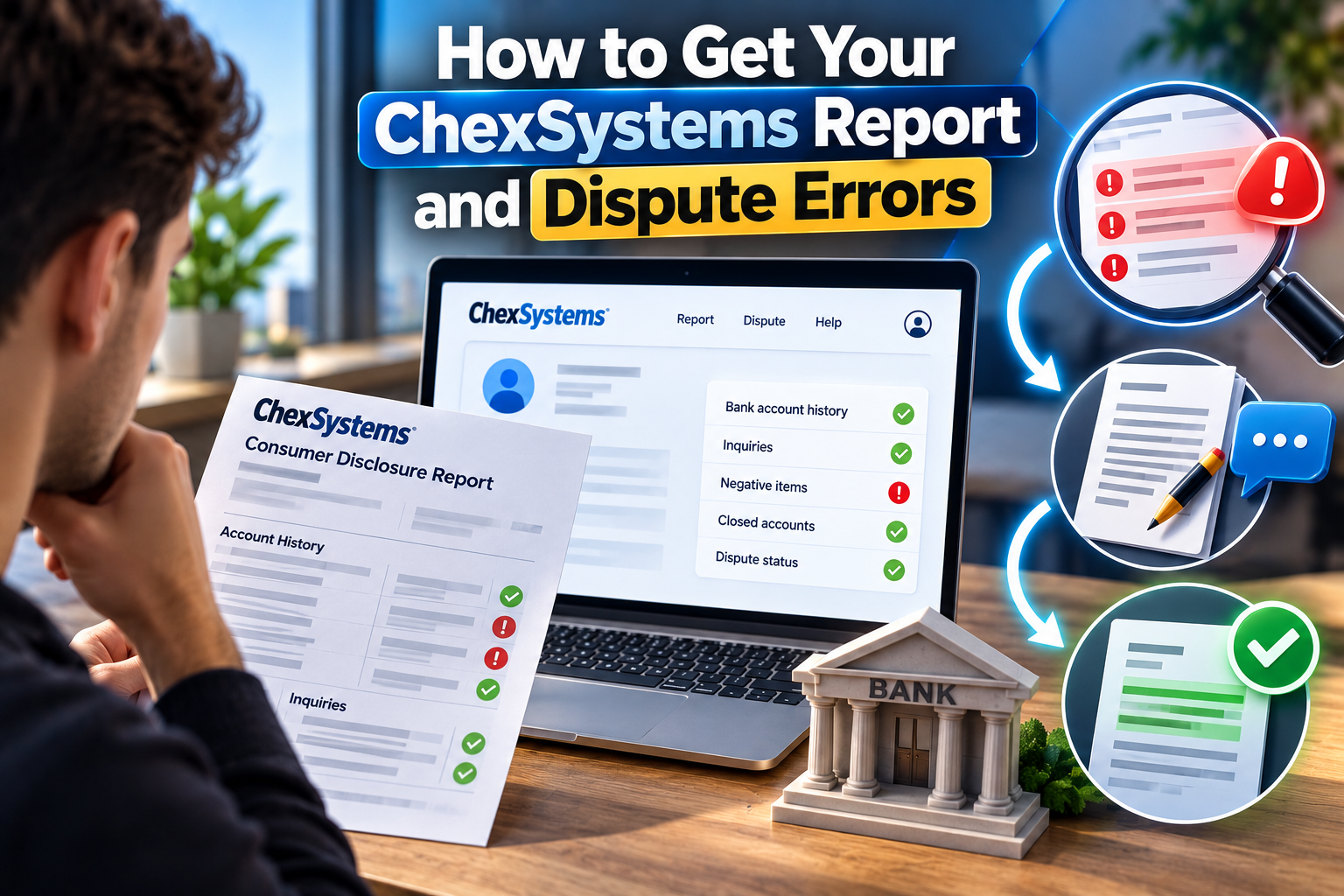
ChexSystems is a consumer reporting company that tracks how people have handled checking and savings accounts. Many banks and credit unions check it when you apply for an account. A report can include things like:
- Accounts closed by a bank with a negative balance
- Unpaid overdraft or other fees
- Suspected fraud or misuse
- Previous account applications (inquiries)
It’s not the only company of its kind. The CFPB also lists Early Warning Services among the companies that compile checking account reports, and some banks use it instead of, or as well as, ChexSystems.
Your Right to a Free Report
According to the Consumer Financial Protection Bureau, “by law, you have the right to request a free copy of your checking account report every 12 months.” You’re also entitled to a free copy if a bank denies you an account based on the report. In that case, the bank’s notice must include the name and contact details of the reporting company it used.
How to Request Your ChexSystems Report
The CFPB’s listing for ChexSystems gives three ways to contact the company:
- Online: chexsystems.com
- Phone: 800-428-9623
- Mail: Chex Systems, Inc., Attn: Consumer Relations, P.O. Box 583399, Minneapolis, MN 55458
You’ll need to verify your identity, usually with your name, address, date of birth and Social Security number. Request the report directly from ChexSystems rather than through third-party websites that charge for it.
How to Read the Report
Each negative item should show which bank or company reported it, the date and the reason. Check carefully for:
- Accounts you don’t recognize, which could be a sign of identity theft
- Debts you’ve already paid that still show as unpaid
- Wrong amounts or dates
- Items old enough that they should have been removed

How Long Negative Records Stay
Negative information generally stays on ChexSystems and Early Warning Services reports for five years, according to the OCC’s BankAnswers.gov. Some items can be kept for up to seven years under the Fair Credit Reporting Act.
How to Dispute an Error
If something on your report is wrong, you can dispute it. The CFPB notes that reporting companies “must conduct – free of charge – a reasonable investigation of your dispute.”
- Gather proof. Collect statements, receipts or letters showing the information is wrong — for example, a letter confirming a debt was paid.
- File the dispute with ChexSystems. Use its website, phone line or mailing address, explain what’s wrong and include copies (never originals) of your documents.
- Contact the bank that reported it. Disputing with the bank or credit union that supplied the information can also get the record corrected at the source.
- Keep records. Note dates, names and reference numbers, and keep copies of everything you send.
- Follow up. If an error isn’t fixed, you can submit a complaint to the CFPB.
What If the Information Is Accurate?
You can’t remove accurate information early, but you can reduce its impact:
- Pay what you owe. Settle any balance with the former bank and ask it to update the record as paid. A paid record usually looks better to a new bank than an unpaid one.
- Open a second-chance or no-ChexSystems account. Some banks and apps don’t check ChexSystems, and others offer accounts designed for people rebuilding their banking history. Our guide to bank accounts for bad credit compares options and notes which banks state their policy publicly.
- Use the new account carefully for several months before applying for a standard account.
Security Freezes
ChexSystems will also place a security freeze on your report if you ask, according to the CFPB. A freeze can help if you’re worried about someone opening accounts in your name, but remember to lift it before you apply for a new account yourself.
Bottom Line
You can get your ChexSystems report free once every 12 months, and again whenever you’re denied an account because of it. Check it before you apply, dispute anything inaccurate with both ChexSystems and the bank that reported it, and pay off old balances to give yourself the best chance of approval.
This article is for informational purposes only and is not financial or legal advice. BankNavigatorr has no affiliate relationships with any bank and is supported by advertising.